STR · Practical Guide
How to Manage Multiple Rental Properties from One Calendar
Learn how to manage multiple rental properties more efficiently with a unified calendar, better visibility across channels and fewer operational errors.
Managing multiple rental properties can quickly become complex when reservations come from different booking platforms.
When a property starts managing several units across different platforms, calendars can quickly become difficult to control.
Reservations arriving from different OTAs, availability constantly changing, and multiple calendars open in the browser make daily operations harder to manage.
Many short-term rental managers end up working with several tabs open at the same time: Airbnb, Booking, the internal calendar of the property and sometimes spreadsheets just to try to keep everything organized.
The problem is that as the number of properties or reservations grows, this approach quickly becomes inefficient.
What is a multi-calendar in short-term rentals
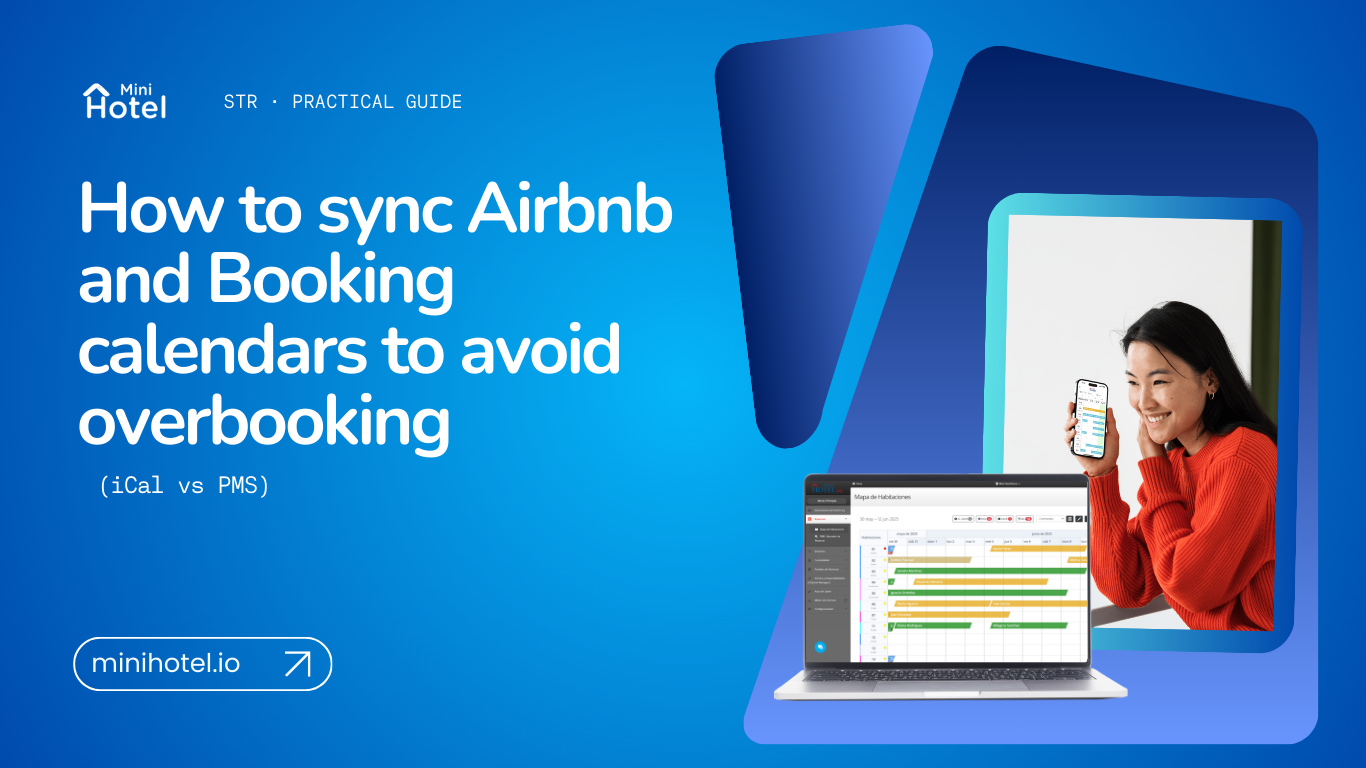
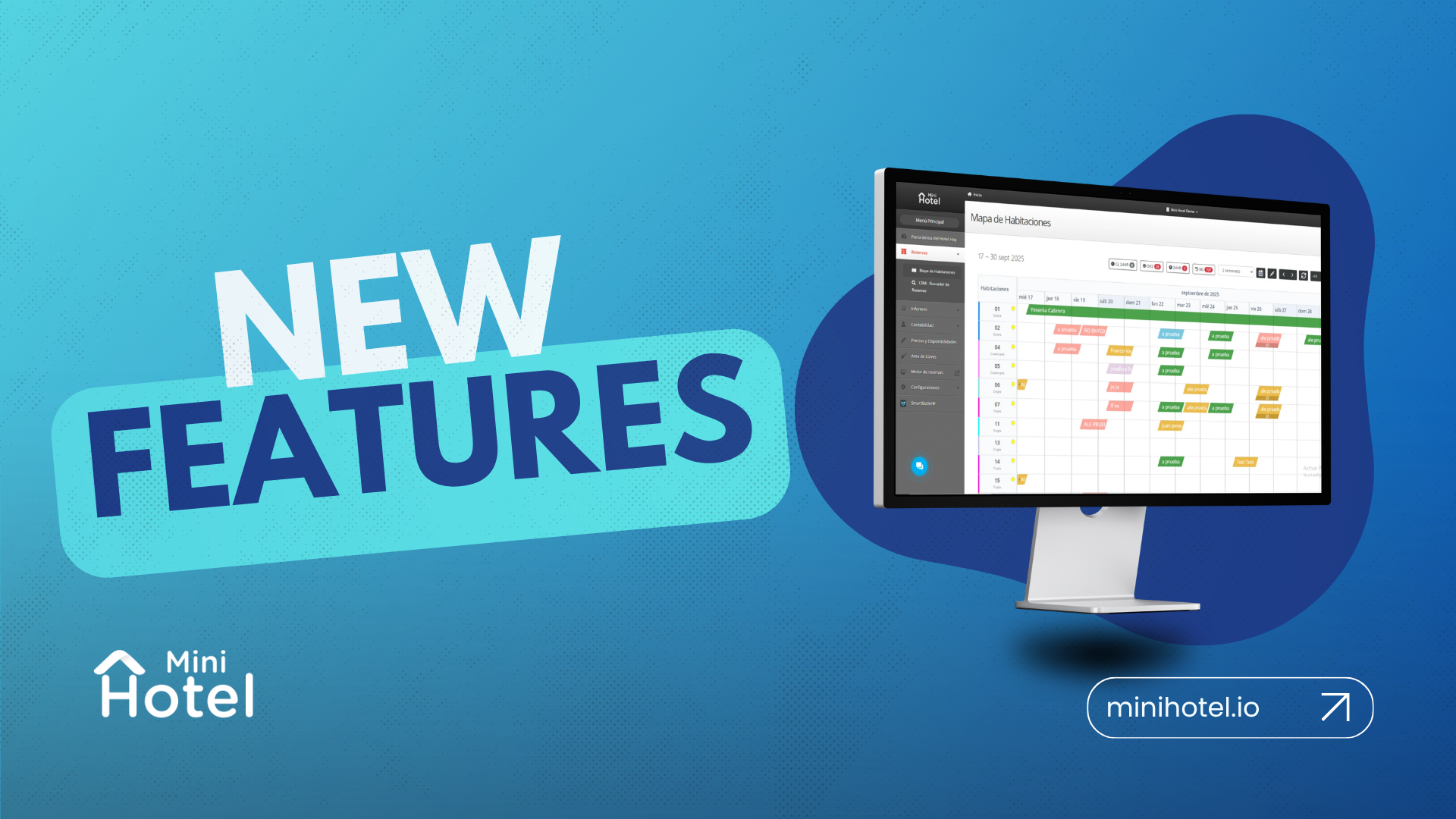
A multi-calendar is a view that allows property managers to manage the availability of multiple properties or units from one place.
Instead of checking each calendar individually, the manager can see in a single screen:
- all properties
- all reservations
- blocked dates
- future availability
This makes it much easier to understand the operational status of the business without constantly switching between platforms.
A good multi-calendar can also sync with OTAs and booking engines, keeping availability updated in real time.
The challenge of managing several properties without a unified calendar
When availability is not centralized, operational friction starts to appear and both the team and the guest experience can be affected.
1. Too many platforms open
Many property managers work with:
- Airbnb
- Booking.com
- booking engines
- spreadsheets
- internal calendars
Each tool has its own logic and interface, forcing managers to switch constantly between tabs just to understand the real availability of their properties.
2. Higher risk of availability errors
If one calendar is not updated correctly or a reservation is not registered in time, several problems can appear:
- incorrectly blocked dates
- wrong availability
- double bookings
- confusion between sales channels
These mistakes create internal friction and can directly affect the guest experience.
3. Time lost on operational tasks
A large portion of the day can end up being spent on manual tasks such as reviewing availability, updating calendars, blocking dates or checking if a reservation has already arrived through another channel.
This reduces the time available for improving guest experience, optimizing occupancy or growing the business.
What a good multi-calendar should offer
Not all calendar systems provide the same level of operational control. A good solution should help managers keep their properties organized and easy to manage.
Unified view of all properties
The foundation of a good multi-calendar is the ability to see all units in one screen, whether they are hotel rooms, apartments, cabins or vacation rentals.
This makes it easier to understand overall occupancy and identify available dates quickly.
Quick date blocking
Managers should be able to block dates manually in seconds. This is especially useful for:
- maintenance
- direct bookings
- owner stays
- internal operational adjustments
Real-time updates
When a reservation comes from an OTA or the booking engine, the calendar should update automatically. Otherwise the operation still depends on manual verification.
Integration with OTAs and channel managers
A multi-calendar becomes much more powerful when it connects with sales channels, ensuring that availability updates are reflected across all platforms.
How to manage multiple rental properties with one calendar
The difference between managing a few properties and managing many can dramatically change daily operations.
With 3 or less properties
Managing availability is usually manageable, even with simple tools. Reservations are easier to track and errors are less frequent.
With more than 4 properties
The situation changes significantly. Without a centralized system, managers need to constantly check different calendars and channels to avoid conflicts.
At that point, working with separate tabs stops being a practical solution and starts creating operational stress. For teams handling multiple rental properties, a unified calendar becomes far more than a convenience.
How a PMS simplifies daily operations
A PMS for short-term rentals integrates the multi-calendar with other essential operational tools.
From a single platform it becomes possible to manage:
- Reservations
- Availability
- Distribution channels (connected to 400+ booking portals)
- Date blocks and closures
- Guest information and profiles
- Automated check-in and guest arrivals
- Electronic invoicing and billing
- Smart pricing with a Yield Manager
- Housekeeping and room assignment
- Direct booking engine with zero commission sales
This reduces the number of tools required and helps teams work with less friction and more operational clarity.
For a broader industry perspective, Airbnb also shares resources for hosts managing availability and operations across listings in its hosting resource center.
When the number of properties grows, operations change
Managing one or two properties can be relatively simple. But as the business grows, the number of calendars, reservations and channels grows as well.
What initially worked with multiple open tabs eventually becomes difficult to maintain.
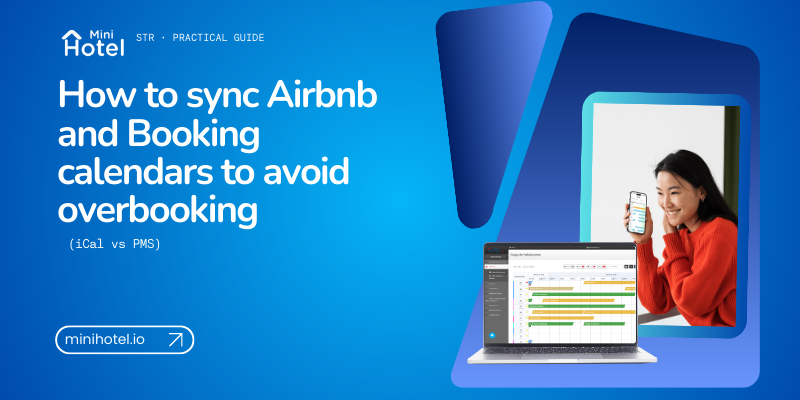
A multi-calendar allows managers to visualize availability across all properties in a single view, making it easier to understand what is happening and react quickly.
A unified calendar makes it much easier to manage multiple rental properties without switching between platforms all day.
For property managers working with several units or sales channels, centralizing availability is no longer optional. It becomes an essential operational tool.
Want to see it in action?
Discover MiniHotel. Schedule a demo and see how you can centralize your reservations, automate tasks and manage your short-term rental or hotel operations with greater clarity.